Hard Drive Recovery Near Me — Houston, Kingwood & Atascocita
Short answer
Unplug the drive and stop powering it on. A clicking, dead or unreadable hard drive gets read-only imaging first at our Kingwood lab: $50 same-day evaluation, a fixed quote before any work, and no recovery fee if nothing usable comes back.
Clicking, beeping, undetected, or just refusing to mount? Our local lab recovers data from failed internal and external hard drives — desktop, laptop, Seagate, WD, Toshiba, Hitachi, Samsung. $50 same-day evaluation, with no recovery fee if no usable data is recovered.
- Clicking & beeping drives
- Dropped & physically damaged drives
- Drives not recognized by Windows / macOS
- Accidentally deleted or formatted files
- External hard drive repair near me
- Cleanroom-grade head swap & PCB repair
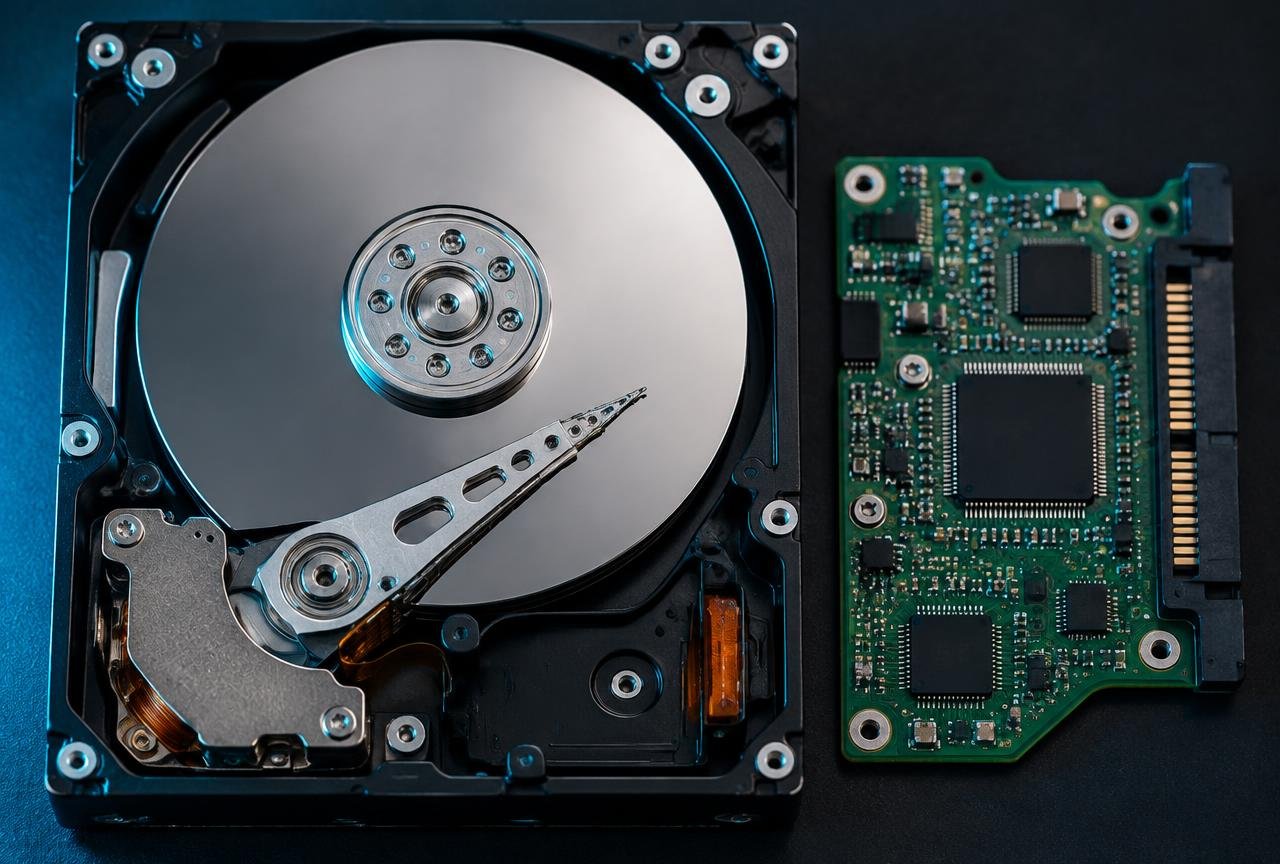
Local hard drive recovery you can actually drive to
Most 'hard drive recovery near me' searches end at a chain store that ships your drive across the country. We keep every recovery in-house at our Northeast Houston lab — drop it off in Kingwood or Atascocita, or ask about pickup options. Same technician handles your drive from intake to delivery.
What a clicking hard drive actually means
Clicking is almost always a head-stack failure — the read/write heads have crashed onto the platters. Powering the drive on at home will make it worse. Bring it to us; we'll match a donor PCB and head stack from our parts library and image the platters in a controlled environment.
External hard drive repair (WD, Seagate, Toshiba)
External drives fail differently than internal ones: USB bridge boards die, enclosures get dropped, encryption chips fault. We can recover from all major external lines — WD My Passport / Elements, Seagate Backup Plus / Expansion, Toshiba Canvio, LaCie Rugged, and SanDisk Extreme. Most external recoveries finish in 24–72 hours.
Logical vs mechanical failure — how we tell the difference
Logical failure affects how files are organized: accidental deletion, formatting or file-system corruption can leave the hardware readable. Mechanical failure affects moving parts such as the heads or spindle; electronic or firmware faults can also stop a drive responding. Symptoms overlap, so a sound alone is not a diagnosis. During evaluation we check detection, read behavior and signs of physical damage using controlled equipment. We do not start with a full software scan on a drive showing hardware trouble. The findings determine whether safe imaging is possible locally or specialist physical recovery needs to be discussed before proceeding.
Symptom guide: clicking, beeping, not detected, slow/freezing, dropped
Clicking: repeated new clicks can indicate heads struggling to read, firmware trouble or a power problem. Disconnect the drive; do not keep retrying it. Beeping: a stuck spindle or heads, or inadequate power through an external enclosure, can cause a beep-like noise. Stop powering it; do not tap, shake or open it. Not detected: the cable, USB bridge, power circuit, firmware or drive itself may be at fault. Do not initialize or format it when prompted; keep the original enclosure and cable for evaluation. Slow/freezing: bad sectors and repeated read retries can stall a computer, though software issues can look similar. Stop scans, disk repair utilities and repeated copying if reads are failing. Dropped: impact can damage heads or platter surfaces even if the drive still spins. Leave it unplugged and describe the fall at intake; another power-on can make damage worse.
What happens after drop-off
Evaluation → a fixed quote you approve → read-only imaging → a file list for you to verify → recovered files returned on new media. The existing $50 same-day evaluation identifies the problem and recovery options. You approve the fixed quote before recovery work begins. Where the device permits, we image it read-only and work from that copy rather than modifying the original. We provide a recovered-file list and check priority files with you; a filename alone does not prove a file opens correctly. We agree suitable new return media with you and return your original drive as well. If specialist escalation is needed, it is discussed before the device leaves our custody.
Not sure what to do next?
Check your symptoms before trying anything else, call us, or arrange pickup, drop-off or mail-in.
Can My Data Be Recovered? 60-Second Check
Three questions. You get a straight read on the risk, the three things to do right now, and what to avoid so a recoverable case stays recoverable.
- Question 1
- Question 2
- Question 3
- Result
Verify Before You Pay: See the File Report First
The fear is reasonable: pay hundreds of dollars and get back a folder of files that will not open, or a pile of system DLLs counted as “recovered.” So before any recovery invoice, you get the report below — every file, its size and whether it actually opens — and you check the ones that matter to you. Click around the sample.
Recovered file report
Sample report · illustrative data
- Verified
- 7
- Partial
- 1
- Unreadable
- 1
- Usable data
- 588 MB
Company File.QBW
\Accounting\Company File.QBW
- Size
- 184 MB
- Last modified
- 2026-09-18
- Integrity
- Verified
- What we checked
- Opened read-only in QuickBooks Desktop; customer list, invoices and register entries through the failure date are present.
The Verify Before You Pay protocol
1Itemized file list
When the recovery is done you get a list of every recovered file: folder, name, size, date and an integrity status. System files that ship with Windows or macOS are separated out, so the count reflects your data, not DLLs.
2You check what matters
Name the files you care about most — the QuickBooks company file, a client folder, the wedding photos — and we open them in front of you, or send a few samples, before anything is invoiced.
3Honest status on every file
Verified means it opens and checks out. Partial means it opens with damage you can see. Unreadable means the data under it was gone, and we list it anyway so nothing is hidden.
4Then the invoice
The recovery price is fixed before work begins and the invoice only comes once you have seen the list. If no usable data is recovered, there is no recovery fee.
Related services & locations
Last updated · Reviewed by the Kingwood & Atascocita Data Recovery lab team · (281) 694-1425
Frequently Asked Questions
My hard drive is clicking — can you fix it?
Yes. Clicking usually means head failure. Don't power it on again — bring it in. We perform head swaps in our lab and recover data the same way enterprise recovery labs do, but locally and at a fair price.
How much is hard drive recovery near me?
Evaluation is a flat $50, same day. Local hard drive recoveries start at $150; the final price is quoted after evaluation and depends on whether the failure is logical (deleted files, corruption) or mechanical (clicking, dropped).
Can you recover deleted files from a hard drive?
Usually yes, as long as the drive hasn't been heavily reused since the deletion. Bring it to us right away — don't keep using the drive, don't 'reinstall Windows', don't format.
Do you do external hard drive repair near me?
Yes — WD, Seagate, Toshiba, LaCie, SanDisk. Local pickup options are available in Houston, Kingwood, Atascocita, and Humble.
Should I try recovery software on a clicking drive?
No. Recovery software cannot repair failing heads or other hardware. Scanning adds read attempts and runtime that can worsen damage. Disconnect the drive and arrange an evaluation instead.
Can you recover a hard drive that is not detected?
Sometimes. A failed USB bridge, power circuit, firmware fault or internal damage can all prevent detection. The cause and condition of the recording surfaces determine what is recoverable; do not initialize or format the drive.
Do I need to bring the computer or just the drive?
For a removable drive, the drive is often enough. Keep an external drive in its original enclosure and bring its cable and power adapter. If it is inside a laptop, soldered in place or you are unsure how to remove it safely, bring the computer and call first. Encrypted drives may also require your recovery key.
What do I get back after hard drive recovery?
You receive the recovered files on agreed new return media and your original drive back. We provide a file list for verification and check the important files with you. Recovery does not make a failing drive reliable for reuse, and not every file is necessarily recoverable.