SSD Data Recovery — When Your SSD Reports 0 MB
Short answer
An SSD showing 0 MB or vanishing from BIOS is usually a controller or firmware fault, not lost data. Stop power-cycling it and never TRIM or reformat. We evaluate for $50 same day and quote a fixed price before any work.
SSDs fail without warning. Controller chips die, firmware corrupts, NAND wears out. We recover data from SATA, M.2, and NVMe SSDs using firmware repair, ROM swaps, and NAND chip-off when needed.
- Samsung, Crucial, WD, SanDisk, Kingston, Intel
- SATA, M.2, NVMe, mSATA
- Controller failure & firmware corruption
- Drive reports 0 MB / unallocated
- TRIM-aware recovery when possible
- NAND chip-off for catastrophic failures
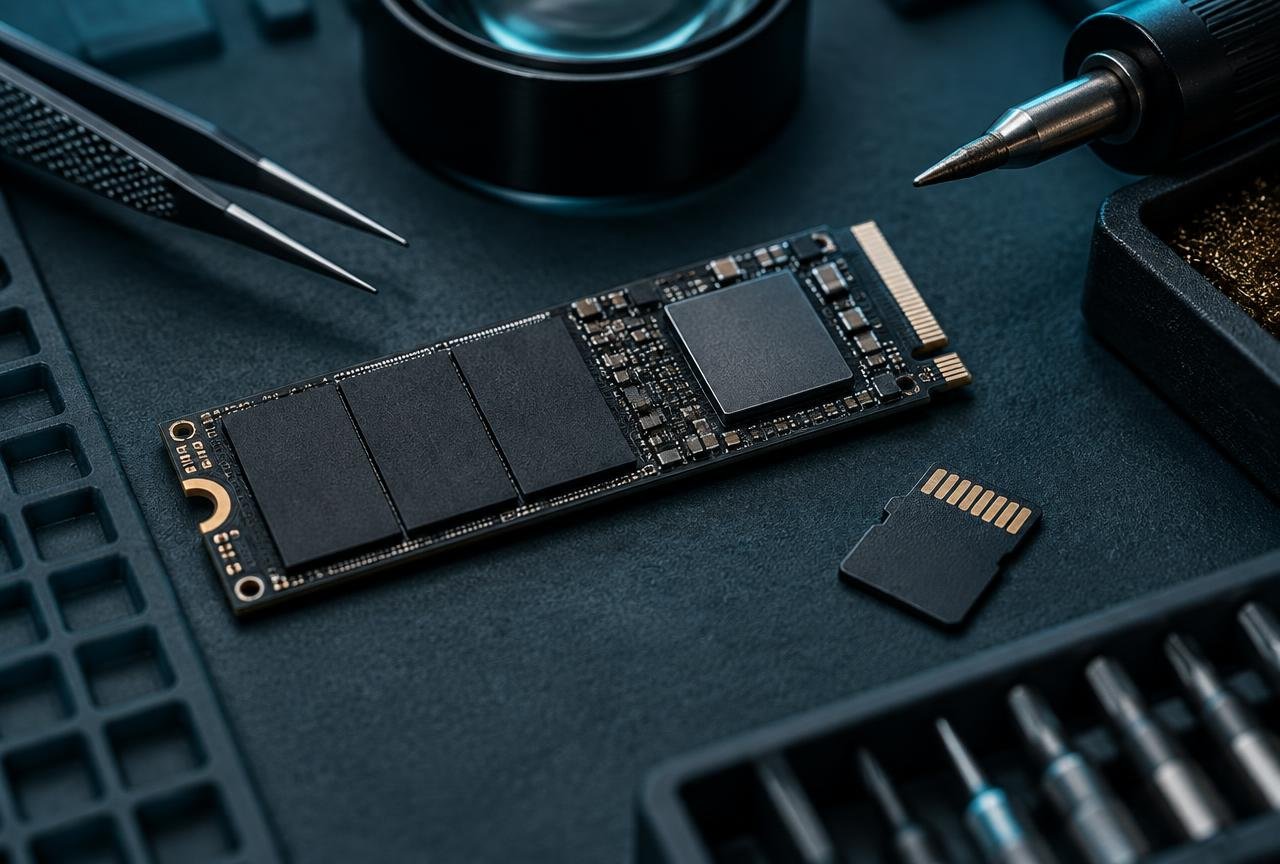
Why SSD recovery is different
Unlike hard drives, SSDs have no moving parts — failures are almost always electronic: a fried controller, corrupted firmware, or worn-out NAND cells. Most generic shops can't touch these. We can. Our lab carries donor controllers and firmware tools for the major SSD families.
TRIM, encryption, and what's recoverable
If TRIM has already run and the drive was used after deletion, full recovery may not be possible — bring your drive in immediately for the best odds. For Apple T2/M-series Macs and BitLocker-encrypted Windows machines, recovery requires your password or recovery key.
NVMe and M.2 SSD recovery
NVMe drives are now the standard in modern laptops. They fail more catastrophically than SATA SSDs — usually the controller chip overheats and dies. We perform controller swaps and NAND chip-off recoveries on Samsung 970/980/990, WD Black SN770/850, Crucial P5/T700, and most other modern NVMe drives.
Related services & locations
Last updated · Reviewed by the Kingwood & Atascocita Data Recovery lab team · (936) 251-6130
Frequently Asked Questions
My SSD shows 0 MB or isn't detected — is data gone?
Often no. This usually means controller or firmware failure, not lost data. The NAND chips still hold your files. We can extract them via firmware repair or chip-off.
How much does SSD recovery cost?
Evaluation is a flat $50, same day. Most SSD recoveries run $500–$1,200 depending on whether firmware repair works or full NAND chip-off is required.
Can you recover NVMe / M.2 SSDs?
Yes. We handle Samsung, WD Black, Crucial, Sabrent, and most other consumer and enterprise NVMe drives.
What if my SSD was encrypted (BitLocker / FileVault)?
We can still recover the encrypted data, but you'll need your password or recovery key to decrypt it. Without it, the files are mathematically unrecoverable.